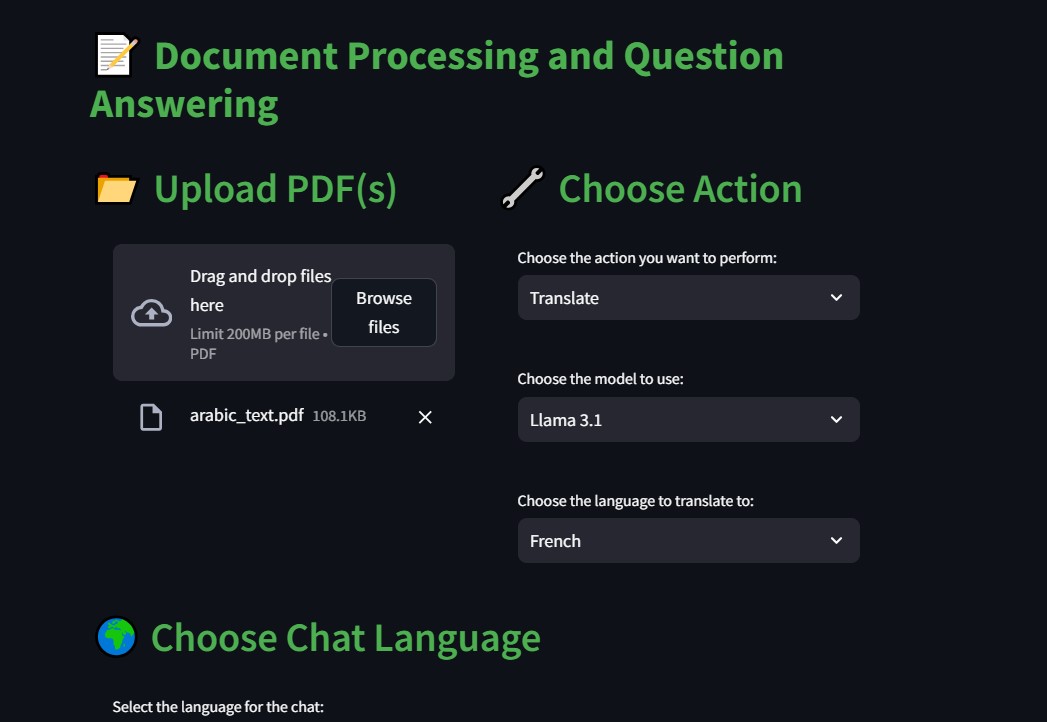
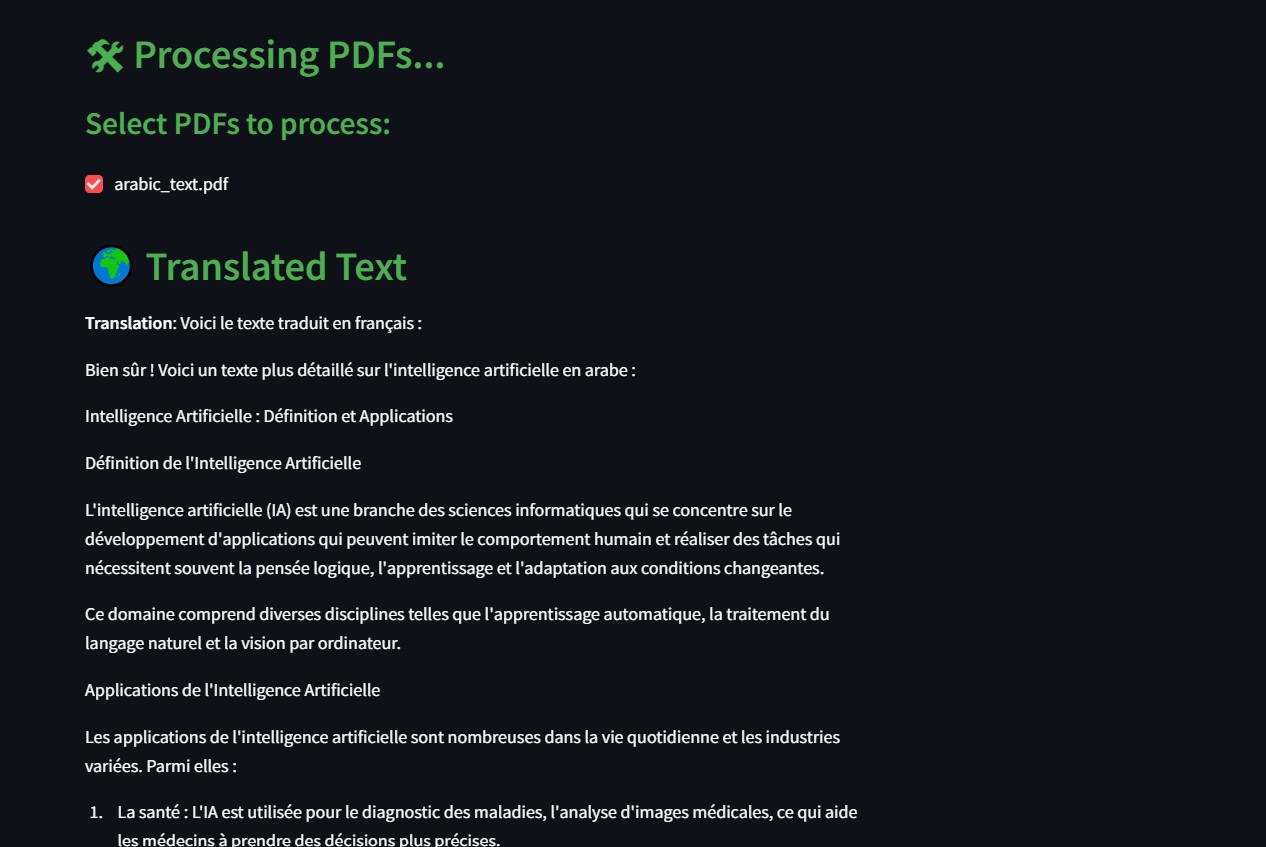
Overview of the Application
The application is designed to process PDF documents and answer questions using artificial intelligence (AI) models. It allows users to upload PDF files, choose an action to perform (such as summarizing, translating, or asking questions about the document), and interact with the content in an intuitive manner.

Main Features
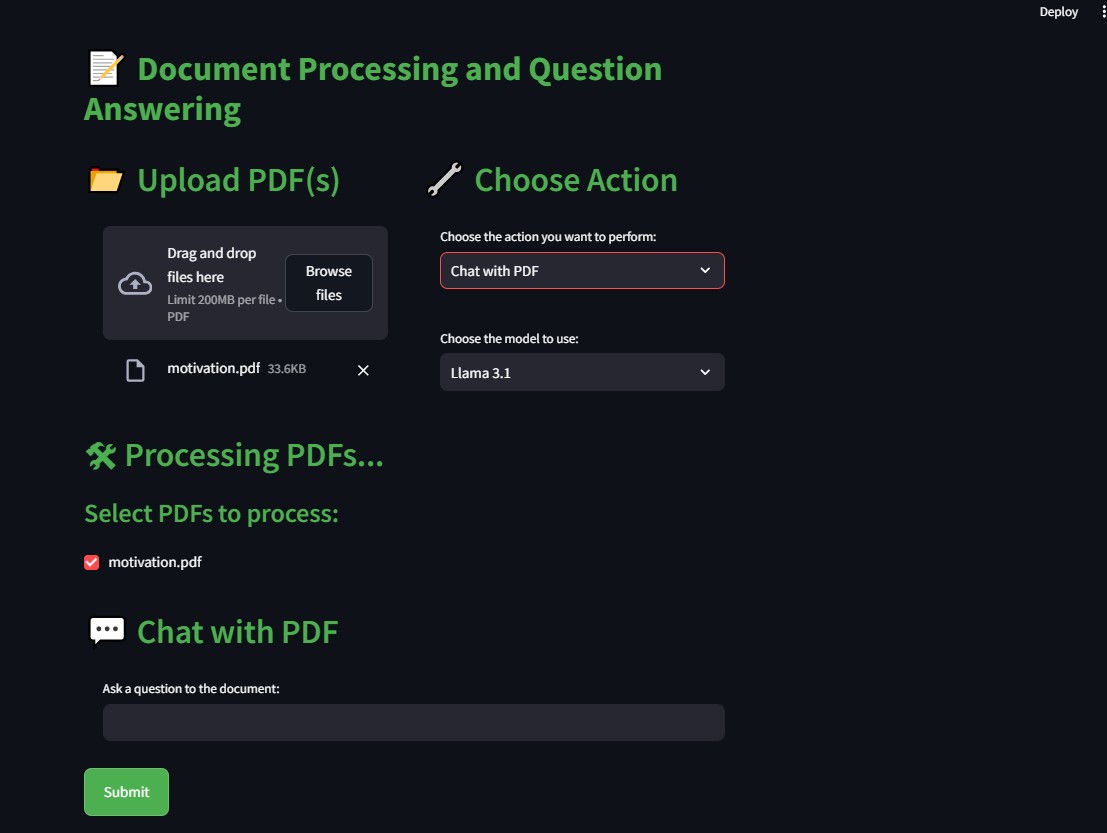
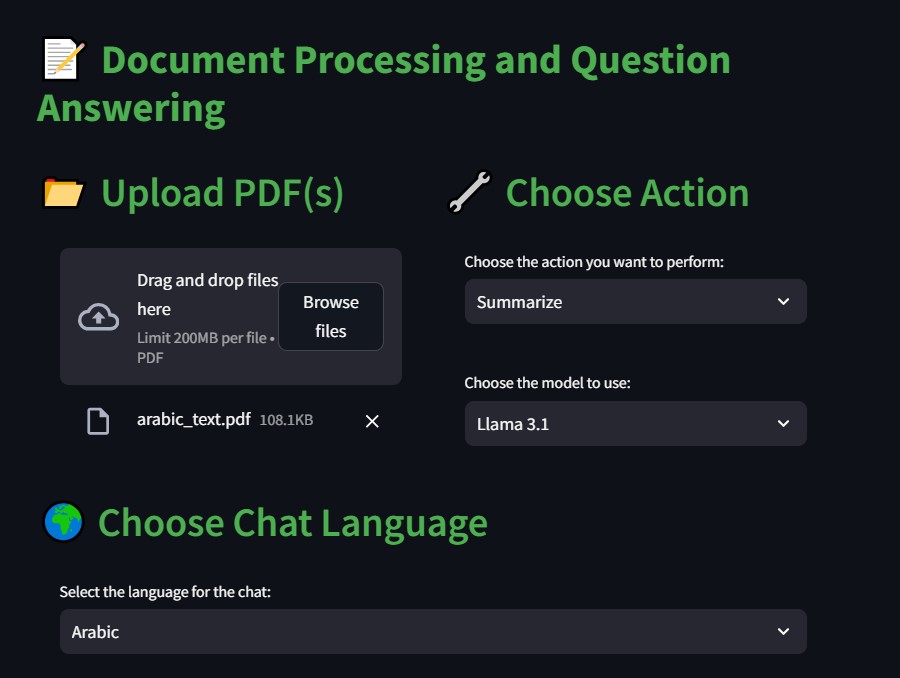
PDF File Upload- Description: Users can upload one or more PDF files for processing.
- Role: This enables the application to access the content of the documents to perform actions such as summarization or translation.
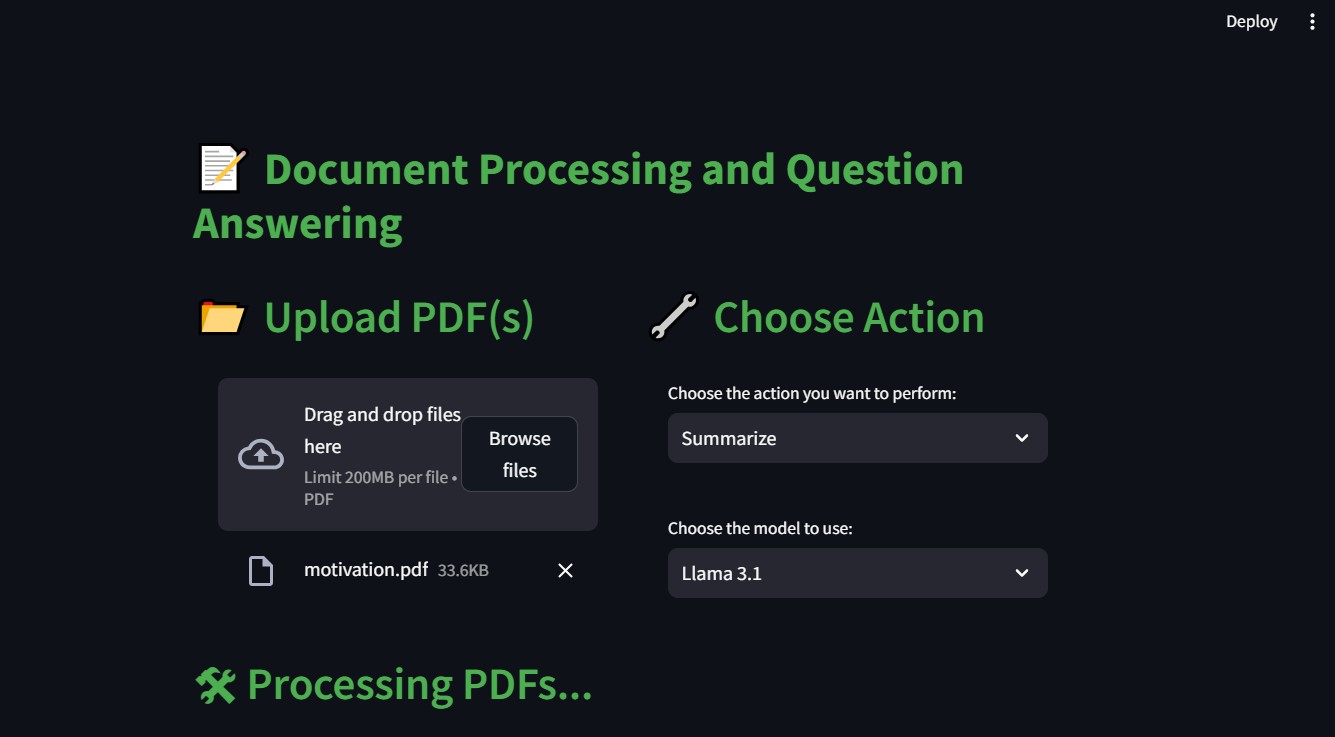
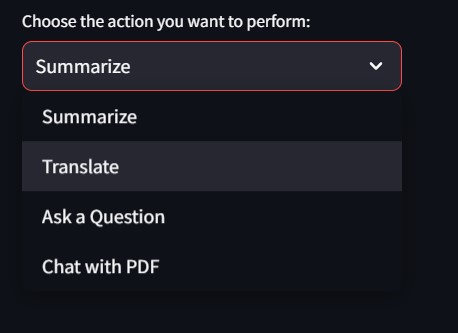
- Description: A dropdown menu allows users to select an action to perform among several options => Summarize, Translate, Ask a Question, or Chat with PDF.
- Role: This selection determines how the application will process the PDF content.
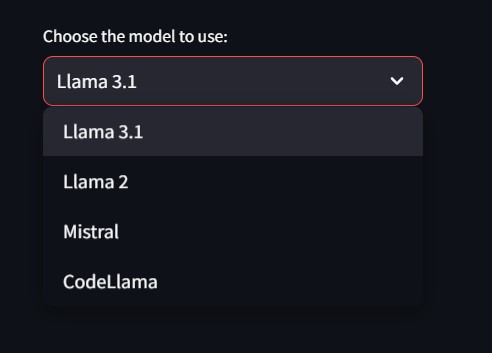
- Description: Users can choose from different AI models (Llama 3.1, Llama 2, Mistral, CodeLlama).
- Role:The selected model influences the quality and type of processing performed on the text.
- Description: If the action selected is "Translate", users can choose the target language from a dropdown list that includes English, French, and Arabic.
- Role:This selection guides the application in determining the language into which the extracted text from the PDF should be translated.
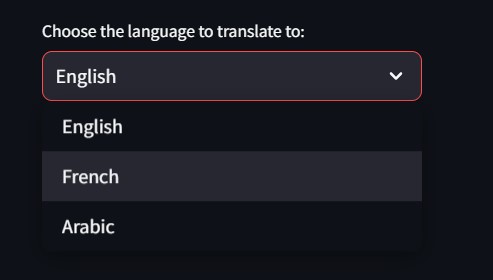
- Description: If the action selected is "Translate", users can choose the target language from a dropdown list that includes English, French, and Arabic.
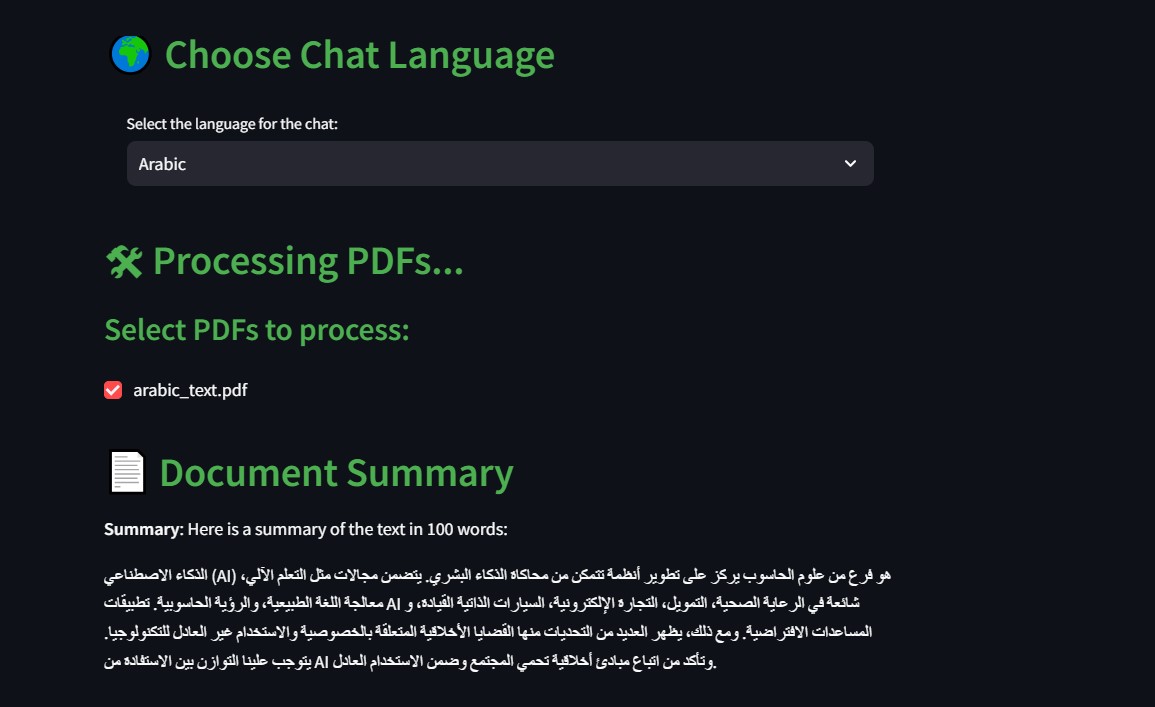
- Role:This setting personalizes the chat experience, ensuring that users can interact in their preferred language, making the application more accessible.
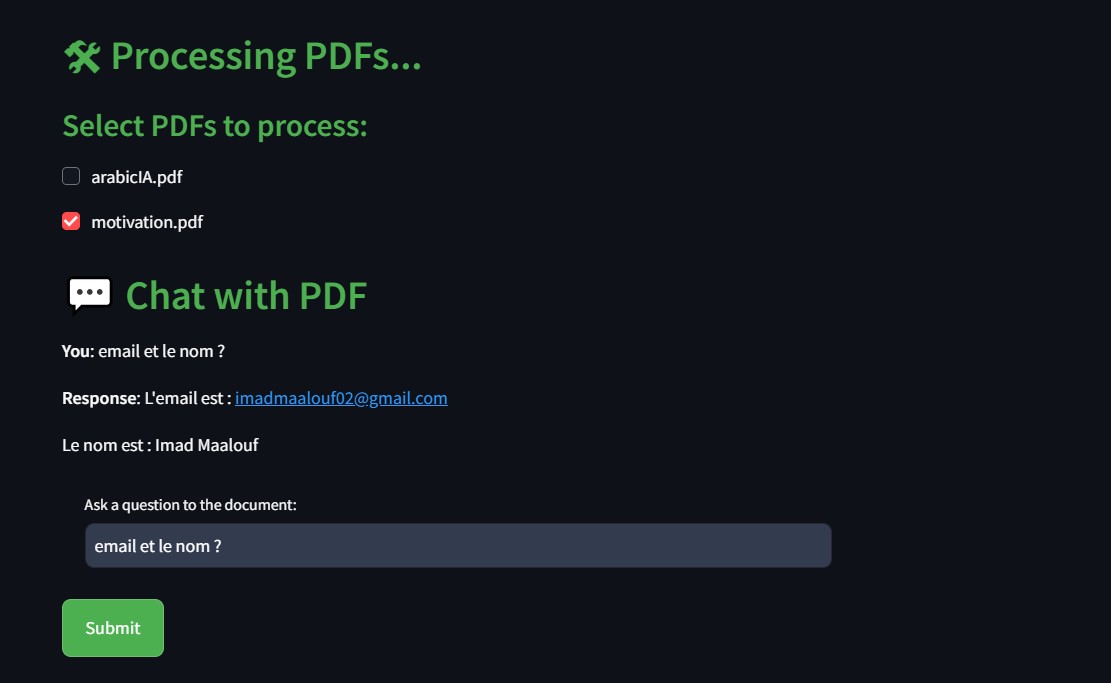
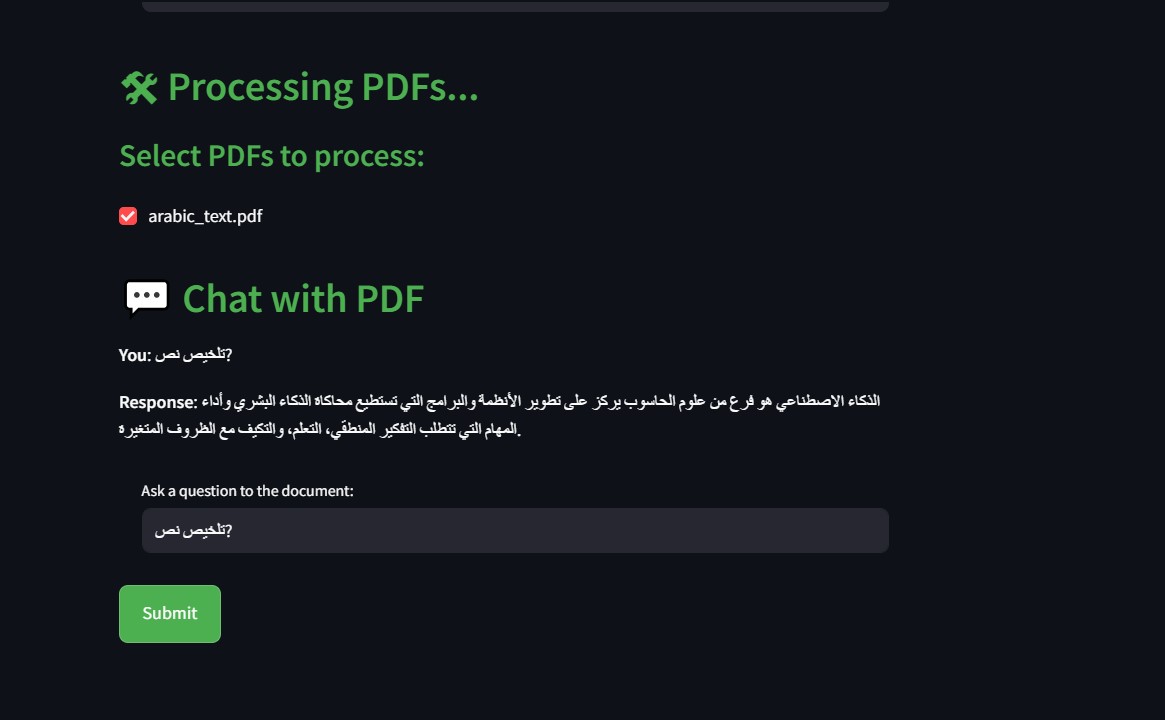
- Description: This interface allows users to engage in a dialogue with the PDF document, asking questions and receiving responses based on the document's content.
- Role:It provides a dynamic interaction experience, allowing users to query the content multiple times without re-uploading the document, enhancing the usability of the tool.
'
These components work together seamlessly to provide a robust and user-friendly experience for PDF processing and interaction in your Streamlit application. If you need more specific information or additional details about any part of the application, feel free to ask!
Example of question and answer
chat with PDF'
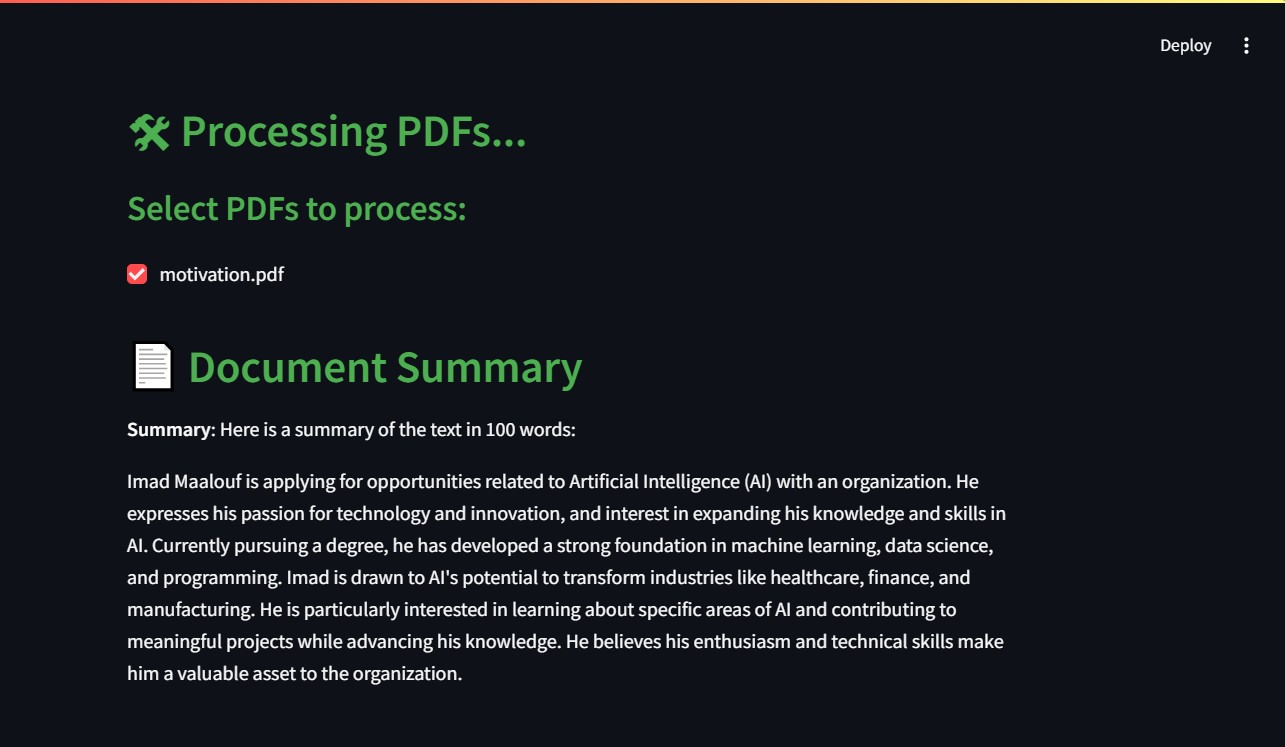
English
'
'
Arabic
'
'
'
Summarize Arabic'
'
Translate language'
original text
'
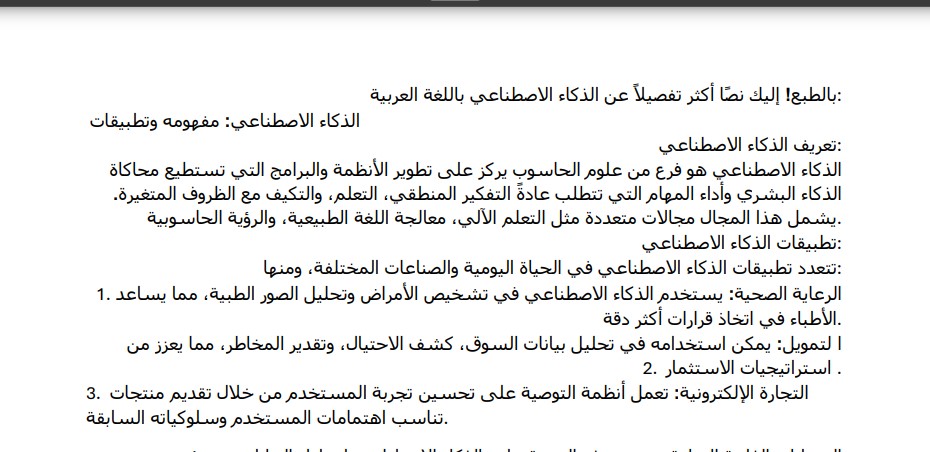
'
Translate text
'